Creating a World
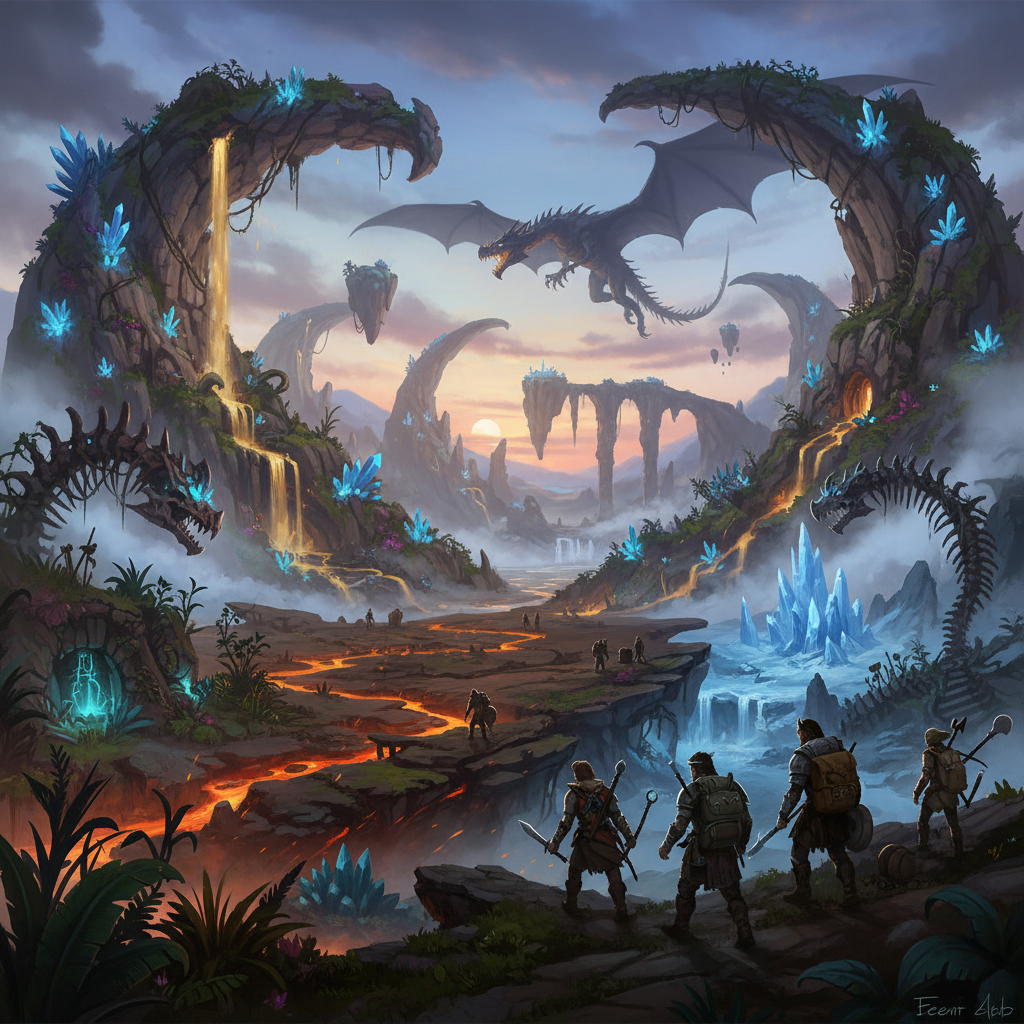
In RuneScape: Dragonwilds, players have the ability to create their own unique versions of Ashenfall, known as “worlds.” These worlds serve as the primary playing space and can accommodate up to four players. To begin, navigate to the “Create World” option, which will lead you to the Wise Old Man’s temple. From there, you’ll be presented with an interface to select your desired world type.
You can choose from several options when creating a world:
- Play solo: This selection establishes a private world exclusively for you. While playing solo, you retain the option to open your world to friends if you wish.
- Play with friends: This type is designed for cooperative play with individuals on your Steam friends list who are also playing Dragonwilds.
- Play with community: Opting for this allows your world to be advertised on a public list, making it visible and accessible to other players in the community.
- Dedicated servers: The game also supports dedicated servers, though further details are not yet confirmed.
Regardless of your initial choice, you can always adjust whether your world is available only to yourself, to your friends, or to the public. Additionally, you have the option to enable “Friendly Fire,” which permits player-versus-player (PvP) combat within your world.
World Modes
RuneScape: Dragonwilds offers distinct game modes that influence the gameplay experience within your created world.
- Standard Mode: This is the default setting when you create a new world. Standard Mode comes with predefined basic settings and difficulties that cannot be altered once the world is established.
- Creative Mode: This mode removes many of the typical game restrictions, allowing for a more free-form experience. In Creative Mode, players are invincible, possess unlimited resources, and can freely explore the map to build structures and discover new areas.
- Custom Worlds: For those seeking more control, Custom Mode enables players to adjust difficulty and other settings while actively playing the game. This mode was introduced with the 0.8.0 patch on June 17, 2025, which also brought Hard mode settings into the game.
Customizing Your World
Beyond the general modes, several specific settings allow for fine-tuning your RuneScape: Dragonwilds world.
- World Name: You can assign a name to your world, which is limited to 16 characters. Note that spaces and certain special characters (such as -, ~, !, @, _) will count towards the character limit but will be removed from the displayed name.
- Difficulty: This crucial setting impacts various aspects of survival and combat. The primary differences between Normal and Hard difficulties are:
- Hydration, Sustenance, and Rest: In Normal mode, these stats will never reduce your health below 1%. In Hard mode, they decrease faster and can lead to your health dropping to 0%.
- Skill XP: On Normal difficulty, skill experience is retained upon death. In Hard mode, any skill XP earned beyond your current level is lost if you die.
- Enemy Attacks: Enemies deal standard damage in Normal mode. On Hard difficulty, enemy attacks inflict 15% more damage to players.
- Death Mechanics: Normal mode allows for multiple gravestones to be active simultaneously. In Hard mode, only one gravestone can be active at a time; if you die again, the oldest active gravestone will be lost.
- Weaknesses & Resistances: Standard weaknesses and resistances apply in Normal mode. In Hard mode, both weaknesses and resistances are increased by 10%.
While specific “multipliers” or “sliders” for aspects like enemy health, damage, resource yield, or inventory space are not explicitly detailed in the provided information, players in community discussions have expressed interest in such options for balancing gameplay, especially in multiplayer scenarios.
Connecting with Others
RuneScape: Dragonwilds facilitates multiplayer interaction through friend-specific and public world listings.
- Friends Worlds: If you set your world to be accessible by friends, those on your Steam friends list who are also playing Dragonwilds will see your world. The display will include the world’s name, your friend name, the number of players currently in the world, the world type, whether PvP is enabled, and when it was last played. It’s important to ensure the world isn’t full when attempting to join, as a full world will result in an error. Worlds designated as “friends only” will not appear on the public worlds list.
- Public Worlds: The public worlds list provides a directory for players to join open games. This list shows the world name, the creator’s name, the number of players online (up to the four-player limit), the world type (public or offline), whether PvP is enabled or disabled, and the last time the world was played. Dedicated Servers can also be included in this list.
FAQ
What is the maximum number of players allowed in a world? Each world in RuneScape: Dragonwilds can accommodate up to four players.
Can I change my world’s difficulty after it’s created? If you create a world in Standard Mode, the difficulty and basic settings cannot be adjusted after creation. However, Custom Mode allows you to set the difficulty and other settings while playing.
What happens if I die in Hard mode? In Hard mode, any Skill XP beyond your current level is lost upon death. Also, only one gravestone can be active at a time; if you die again, the oldest gravestone will be lost.
Can I play solo and later invite friends to my world? Yes, if you choose the “Play solo” world type, you can still open your private world to friends while you are playing.
Are there dedicated servers for RuneScape: Dragonwilds? Yes, dedicated servers are mentioned as an option for worlds.
What is the character limit for a world name? World names are limited to 16 characters. Spaces and special characters count towards this limit but will be removed from the displayed name.